01
Grok Imagine Video
494 cr / secText-to-video and image-to-video up to 720p.
Tool index7 tools30 modelsUpdated November 2026
An image generator, a video generator, an image editor and an image-to-prompt analyser, all on one credit balance. No subscription.
Every tool runs on the same credits. Open one and start; nothing to install.
How credits work →Write a prompt, pick a model, get the picture.
21 models→Text to video and image to video, priced by the second.
9 models→Attach a picture and say what should change. The rest stays.
By instruction→Attach a still and describe how it should move.
From one frame→Upload any image and get the prompt that recreates it.
Deconstruct→Characters that talk back, in chat and in voice.
Chat + voice→What every model costs and what it is for, side by side.
Prices→Video thumbnails from a title and a face.
In the worksAsk a PDF anything and get the answer with its page.
In the worksText to video and image to video, priced by the second. Move along the strip and open any frame in the studio.
All 9 video models →Text-to-video and image-to-video up to 720p.
Attach a still and it moves, with sound. The best value video model in the studio.
The open-weight Wan 2.2, routed through Hugging Face. The prompt decides everything.
Tencent's open text-to-video model. Strong prompt following and natural motion.
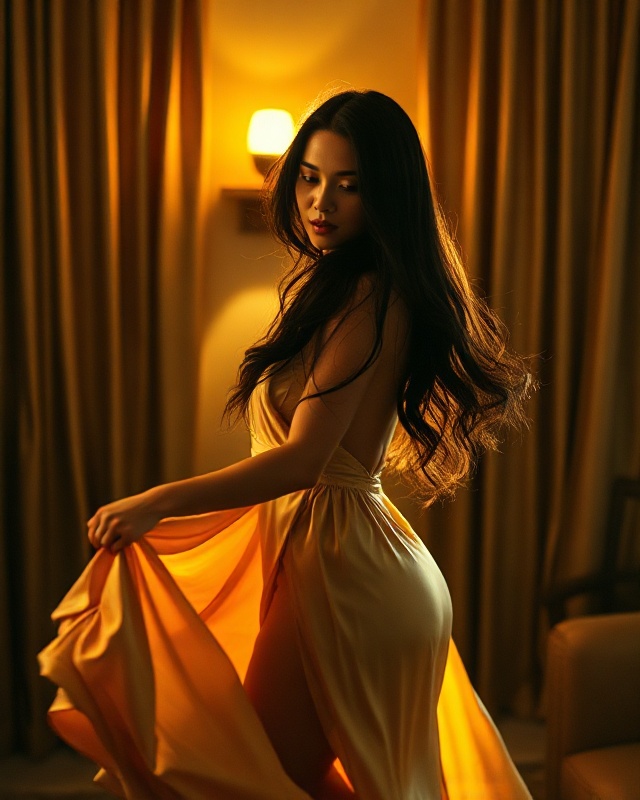
Open image-to-video. Attach a still and it moves.
1080p image-to-video from xAI.
The small Wan 2.2. A five second clip for the price of a few images.
The earlier Wan release, with clips up to ten seconds.
Animate a still for up to ten seconds.
From a quick draft to a finished piece, and editing by instruction. Point at a name to see what it makes.
All 21 image models →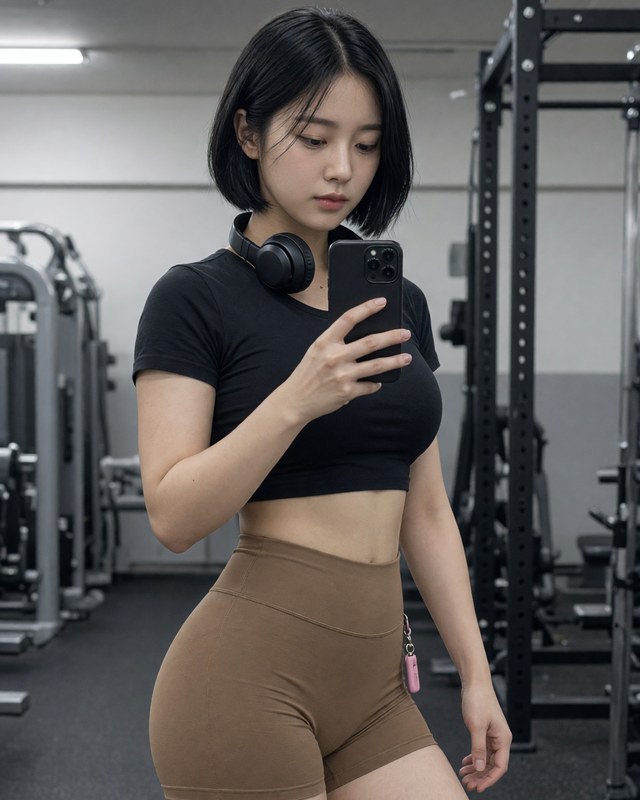
Best-in-class instruction following, typography and editing with five references.
354 cr / imageSpecs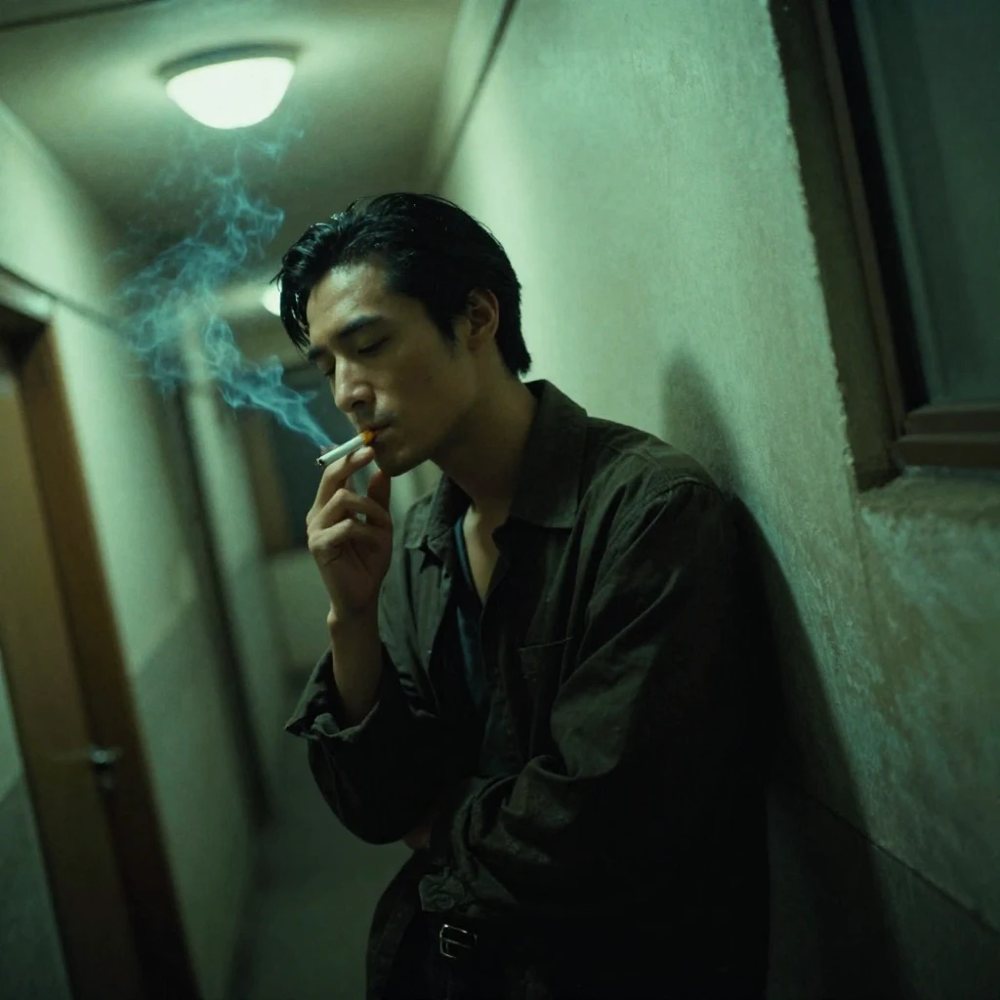
The most-liked new open model on Hugging Face. Photoreal in under a second.
54 cr / imageSpecs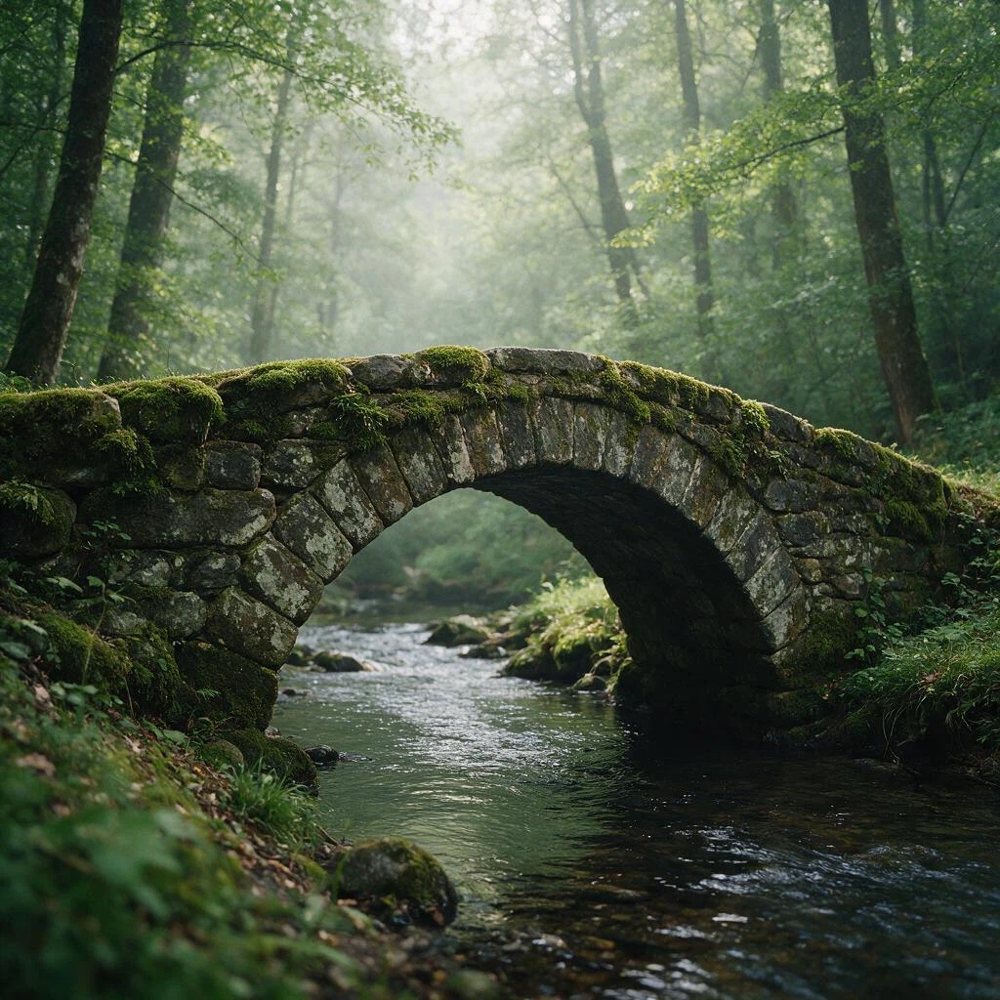
Attach up to three pictures and say what to change. Keeps faces, products and text intact.
216 cr / imageSpecs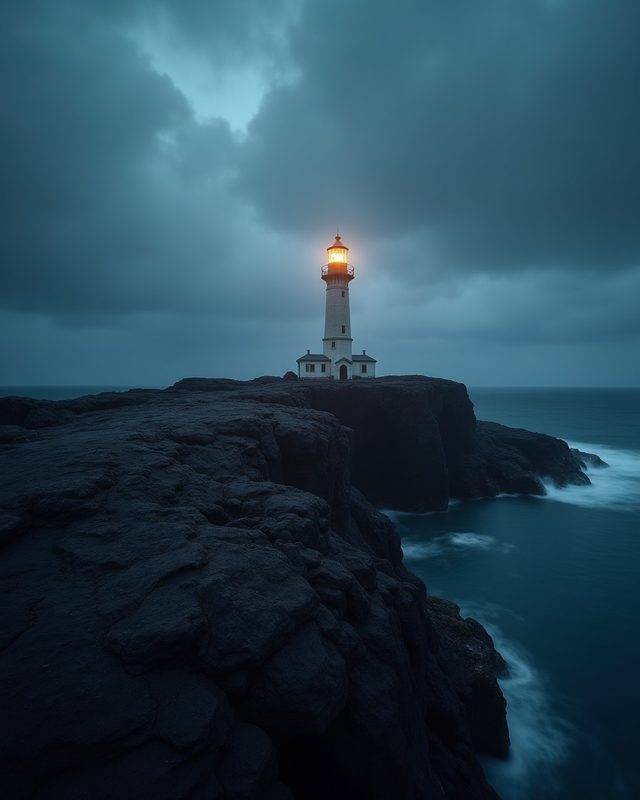
The full Flux model: strong prompt adherence at a low price.
130 cr / imageSpecs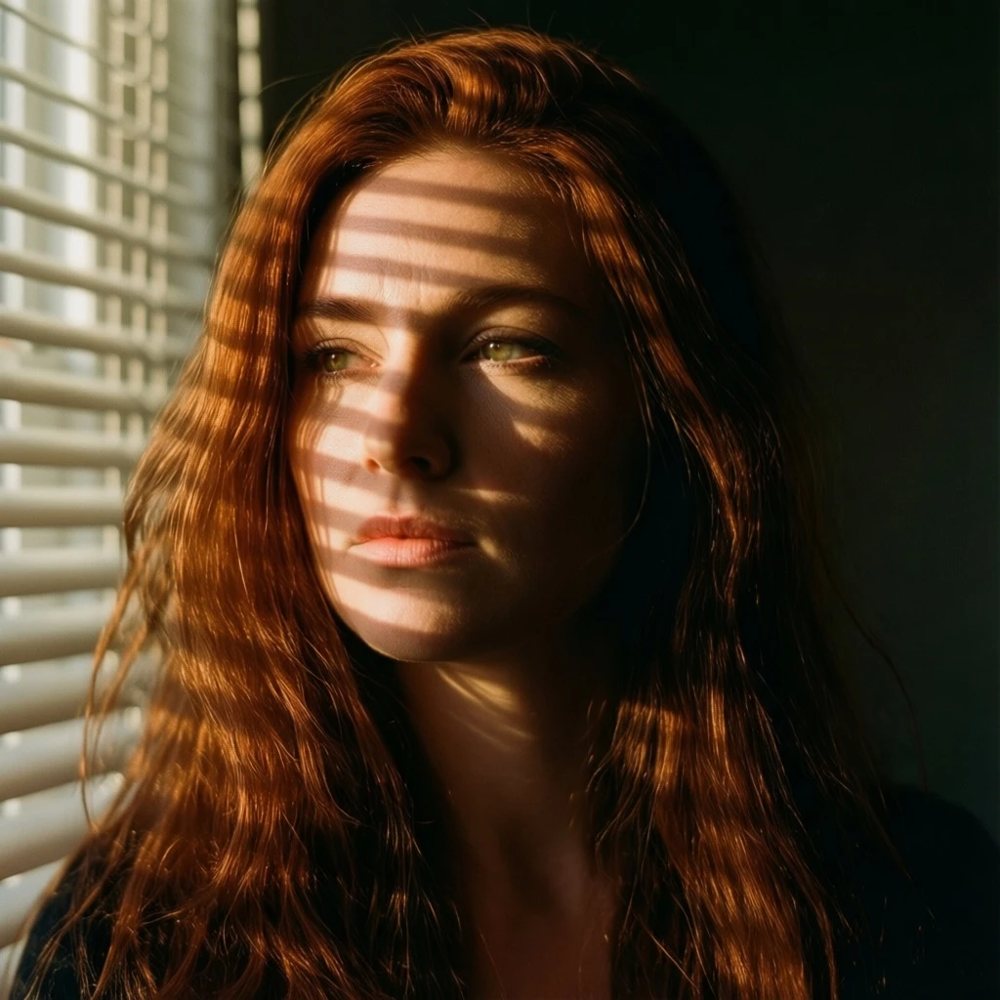
The December 2025 open Qwen Image. Strong text, more natural people.
216 cr / imageSpecs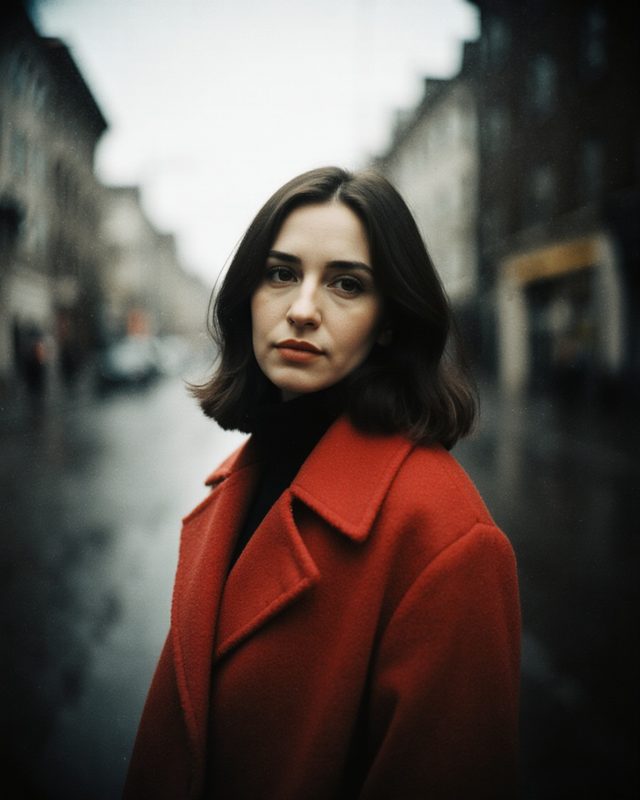
Photographic output with less of the AI look.
216 cr / imageSpecs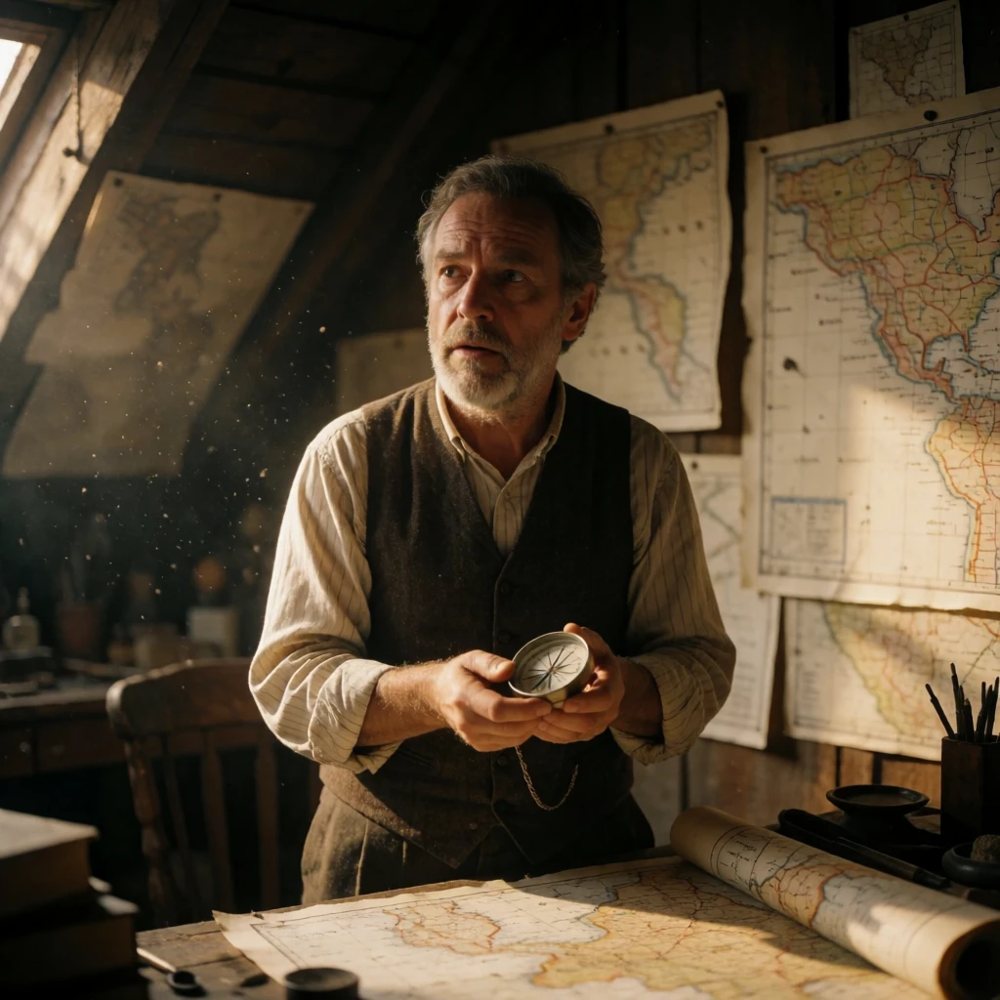
Krea's open-weight turbo model. The natural Krea look at draft speed.
162 cr / imageSpecs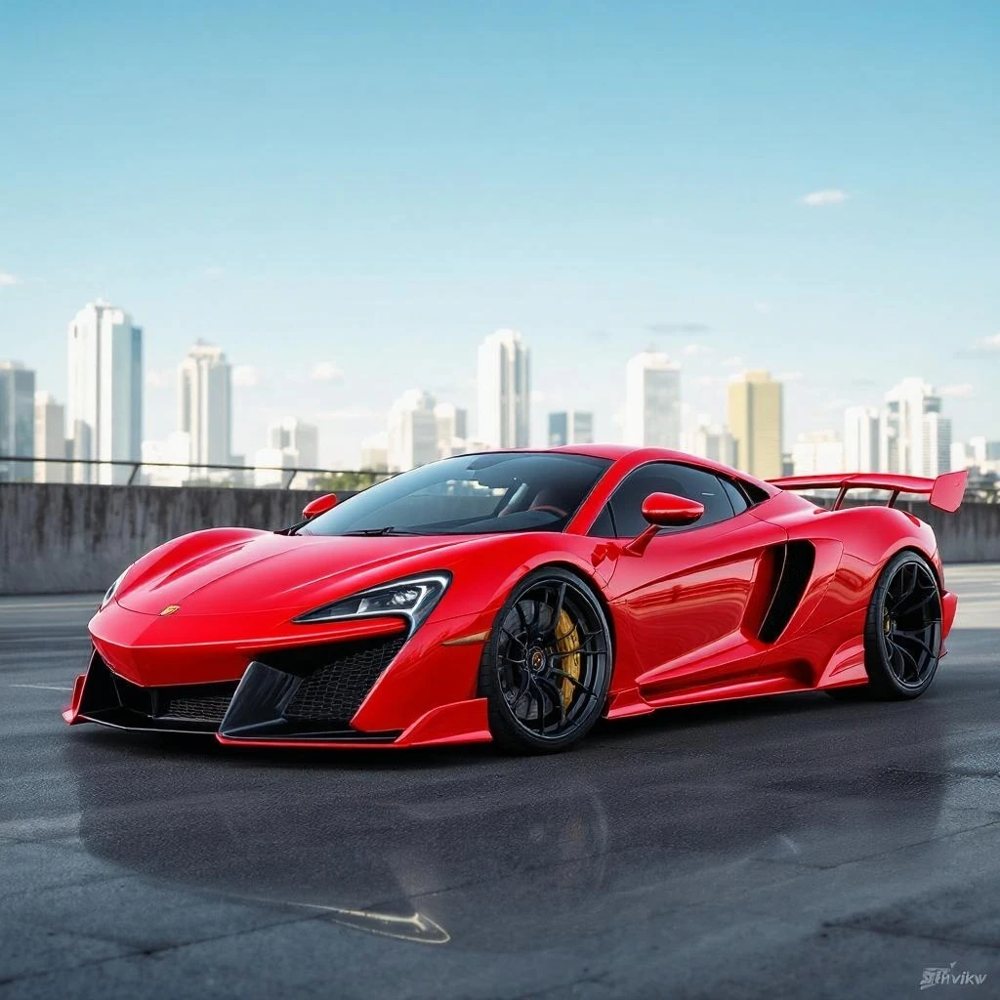
Edit one picture by instruction. Very good at keeping everything you did not mention.
270 cr / imageSpecs
Tencent's open model built for native 2K output.
270 cr / imageSpecsSharp stills up to 2K with reference editing and multi-image composition.
142 cr / imageSpecs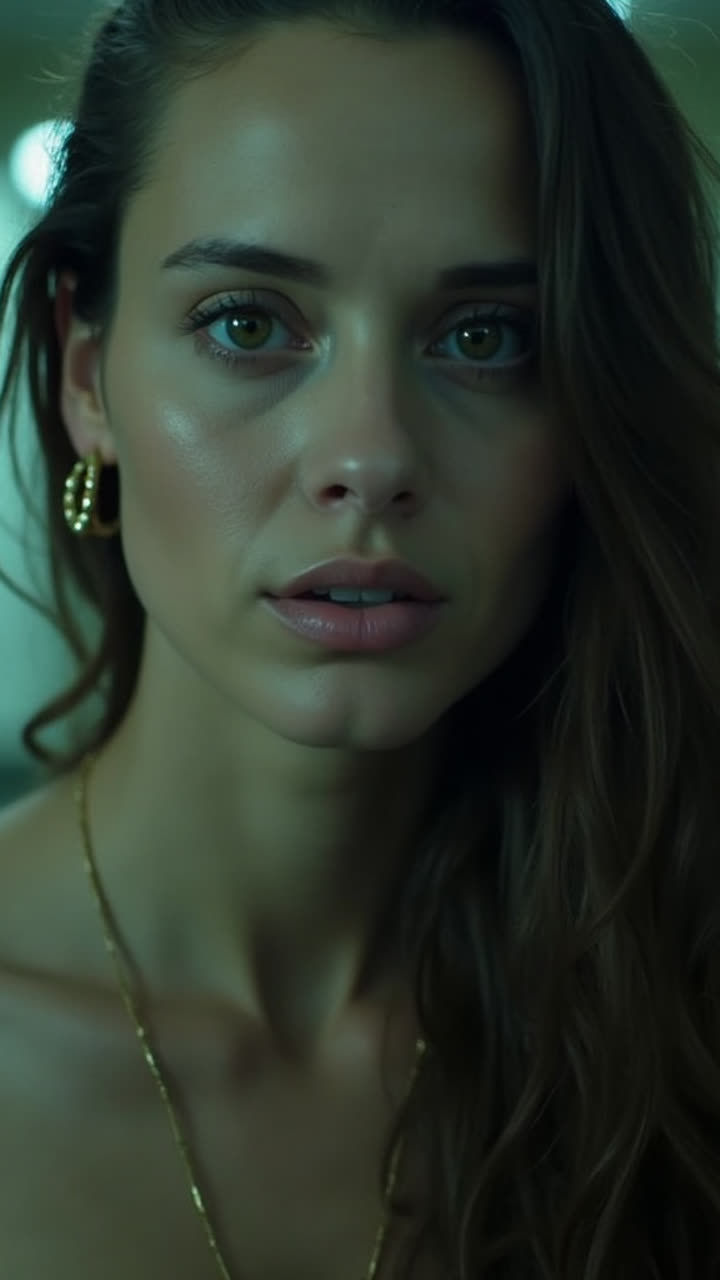
The cheapest Flux by far. Built for iterating before you commit.
32 cr / imageSpecs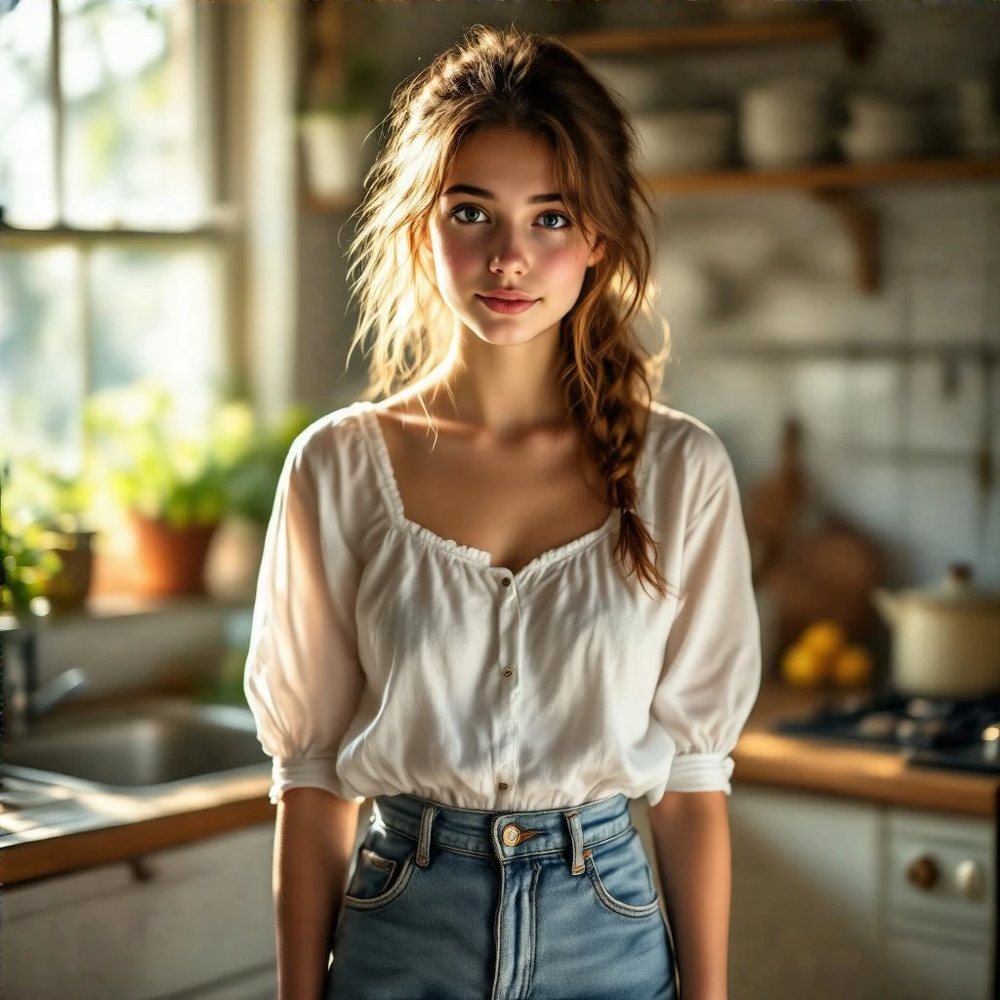
A 17B open foundation model with a painterly, highly detailed default.
259 cr / imageSpecs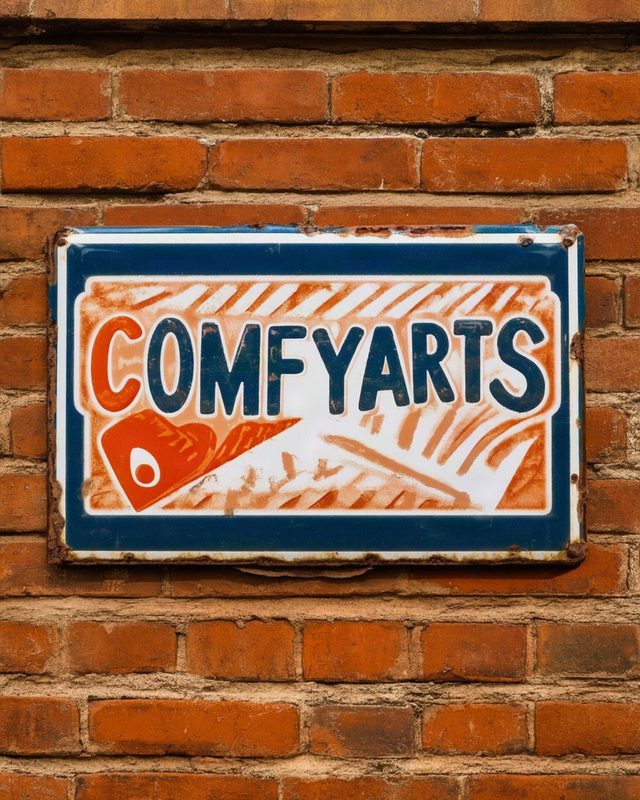
Excellent with text inside the image, in English and Chinese.
216 cr / imageSpecs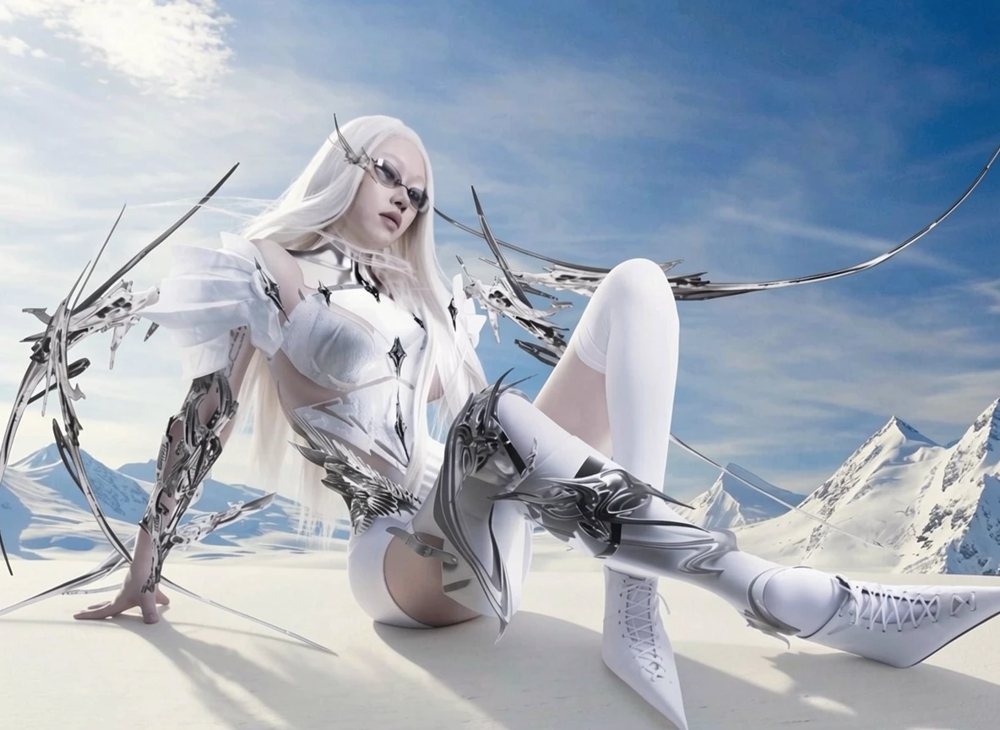
The fast Flux 2 editor. Up to three reference pictures, the lowest price of the editors.
173 cr / imageSpecsThe slower, higher-fidelity Grok tier for final renders.
494 cr / imageSpecs
The full Z-Image base model: more variety and control than Turbo.
108 cr / imageSpecs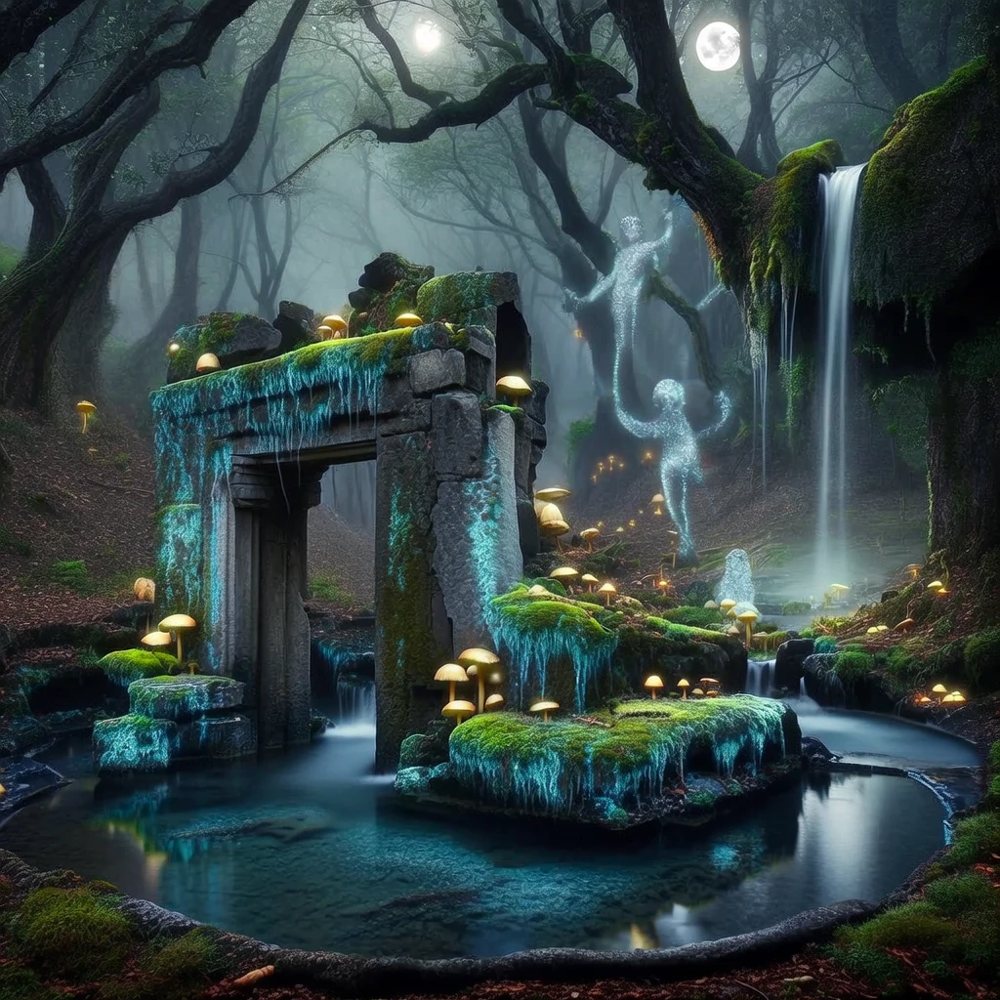
Trained only on licensed data. Built for commercial work that needs a clean provenance.
432 cr / imageSpecs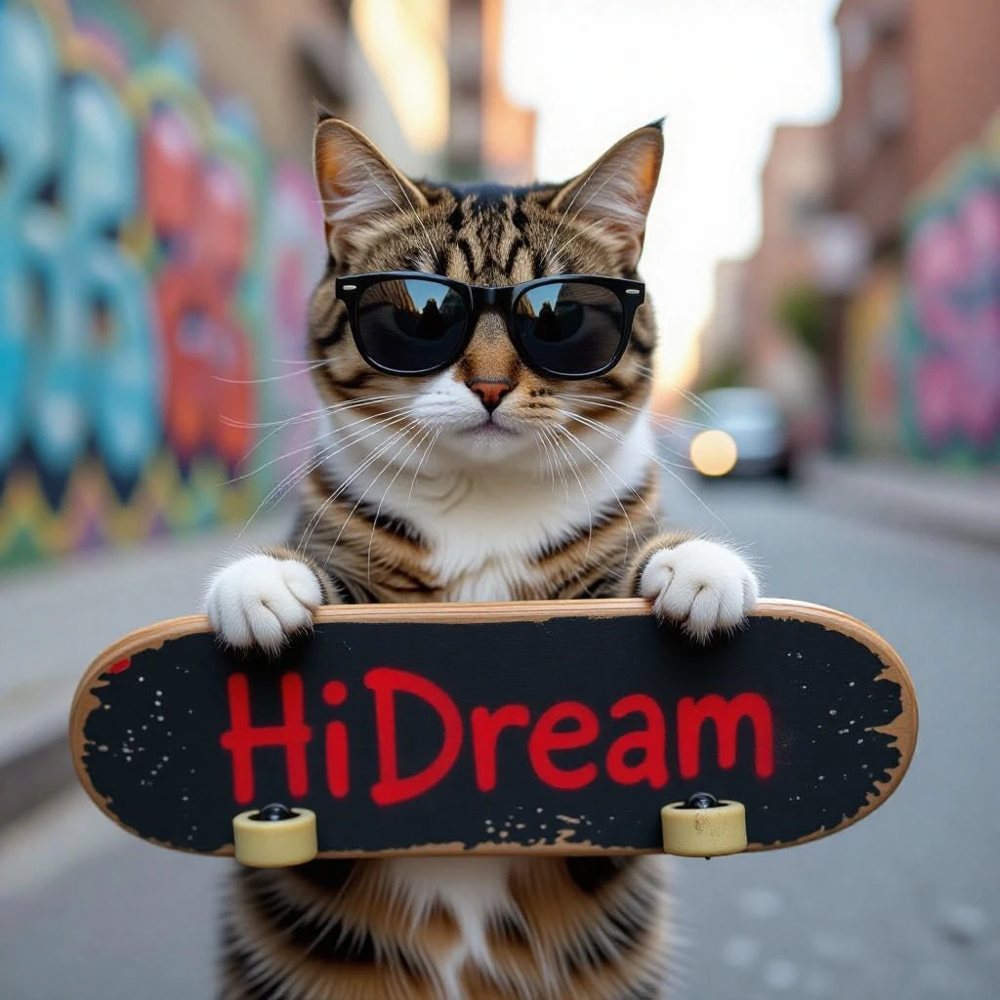
The fast HiDream model. Dense, painterly detail at a draft price.
130 cr / imageSpecs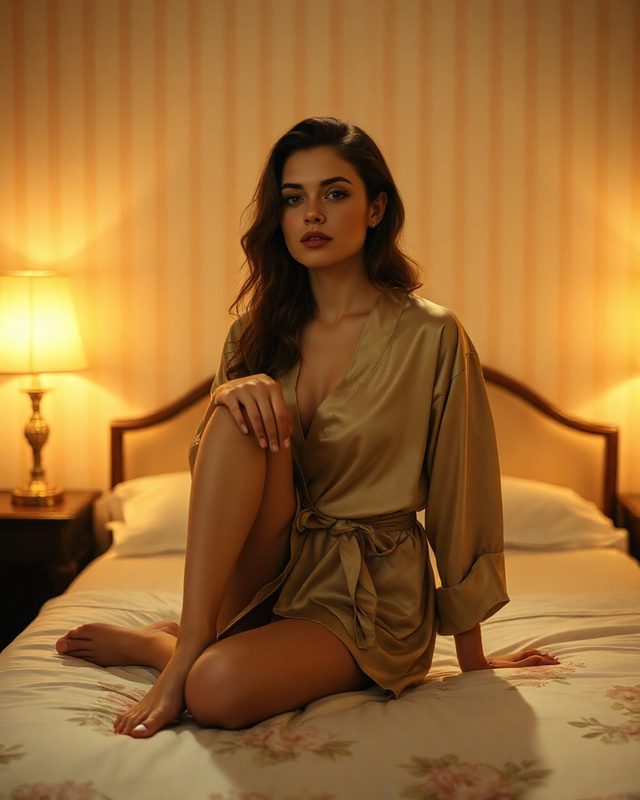
Open Flux LoRA, routed through Hugging Face.
177 cr / imageSpecs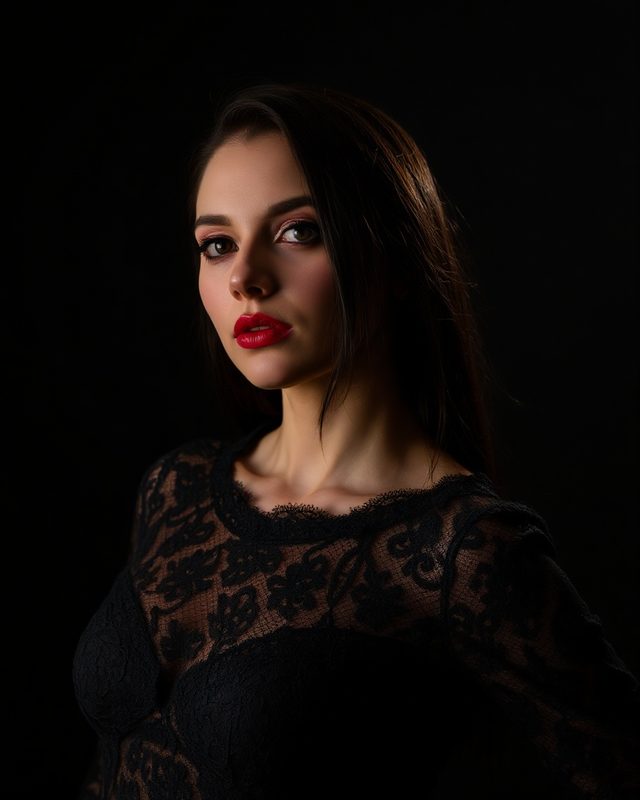
The highest-rated open Flux LoRA on the Hub.
177 cr / imageSpecs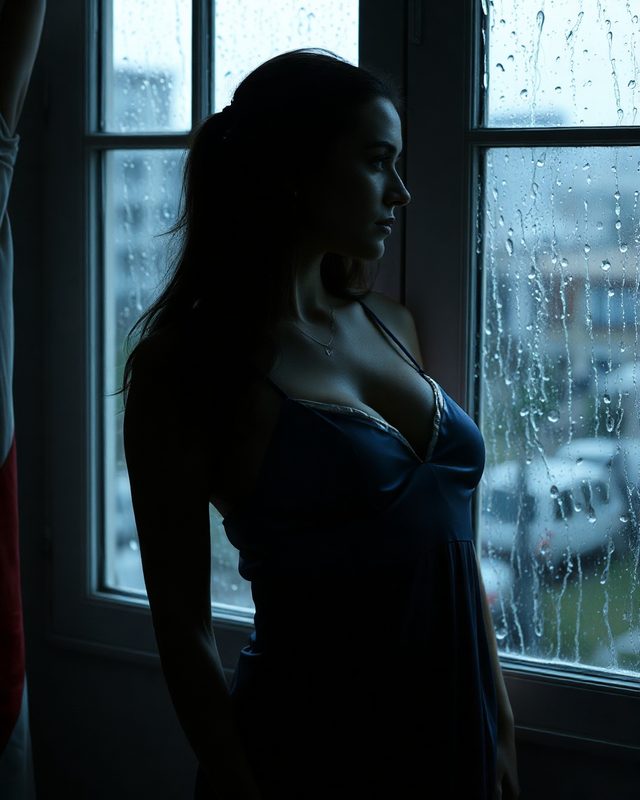
Open Flux LoRA with strong contrast and detail.
177 cr / imageSpecsAn AI image generator, an AI video generator, an image editor that works by instruction, image to video, Visual Deconstruction (image to prompt), AI Friends, and a model directory with prices. More tools are on the way, and all of them run on the same credits.
No. You buy credits once and spend them on whichever tool you like. Credits never expire, and every new account starts with free credits. See pricing.
Grok Imagine 2.0, Flux Dev, Flux Schnell, Flux Krea, Z-Image Turbo, Qwen Image, HunyuanImage and HiDream for images; Qwen Image Edit and Flux Kontext for editing; Grok Imagine Video, Wan 2.2, LTX-2 and HunyuanVideo 1.5 for video. The model directory lists every one with its price.
Yes. Open Qwen Image Edit or Flux Kontext, attach the picture, and describe the change. Everything you did not mention is kept.
Yes. Pick an image-to-video model such as LTX-2, Wan 2.2 or Grok Imagine Video in the video generator, attach a still, and describe the motion.
Upload any image and Deconstruct writes the prompt that would recreate it: subject, lens, lighting, palette and composition, measured rather than guessed.